

See Also:
- FREE VEHICLE VECTORS FOR DESIGNERS
- AWESOME FREE PSD TEMPLATES & UI KITS
- HIGH QUALITY FREE PSD BUTTONS
- BEAUTIFUL GLYPH ICONS
- 25+ PSD FILES FOR DESIGNERS FREE




Frequently Asked Questions
What is a device PSD template used for?
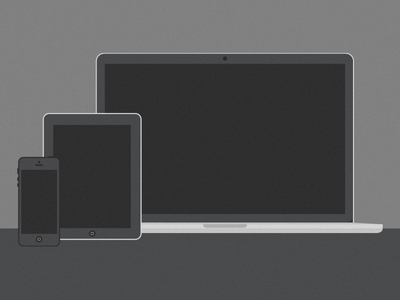
A device PSD template (also called a device mockup) places your app, website or graphic design onto a realistic phone, tablet or laptop screen. Designers use them to present concepts to clients, build portfolio pieces and create marketing visuals without photographing real hardware.
How do I put my design into a PSD device mockup?
Open the PSD file in Adobe Photoshop, find the smart object layer that represents the device screen, and double-click it. Paste your design into the smart object window, save it, and your design appears on the device automatically, complete with the template's shadows and reflections.
Can I use free device mockups for client work and commercial projects?
It depends on the license of each individual template. Many free mockups allow both personal and commercial use, but some restrict use to personal projects only. Open the license file or readme included in the download and confirm commercial permission before using a mockup in paid client work or advertising.
Do I need Photoshop to use these PSD templates?
Photoshop is the natural home for PSD mockups because of its smart object support, but you can also open most PSD files in free editors like Photopea, which runs in the browser and handles smart objects well. Very old or unusually layered files may still open most faithfully in Photoshop itself.



0 Comments