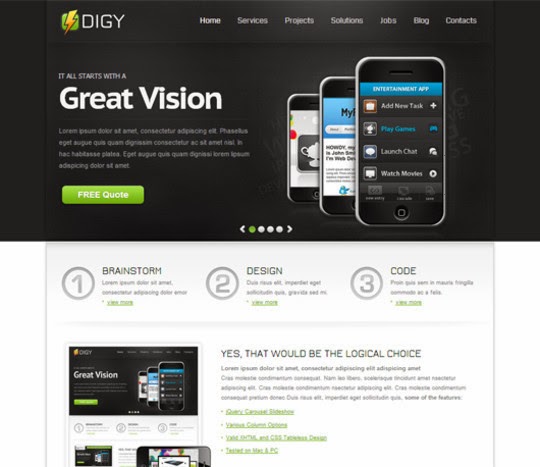
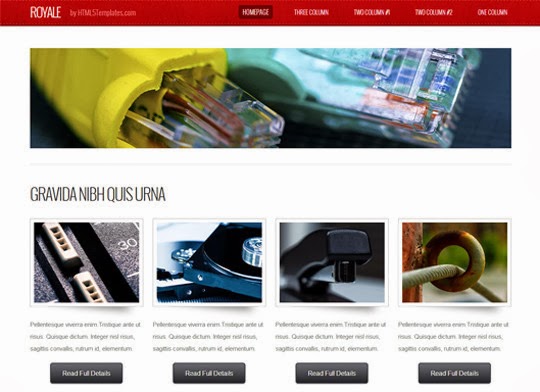
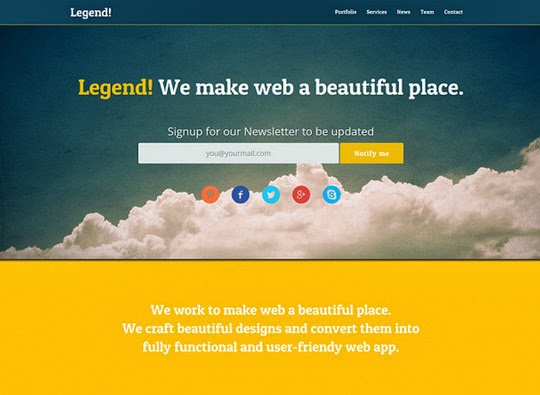
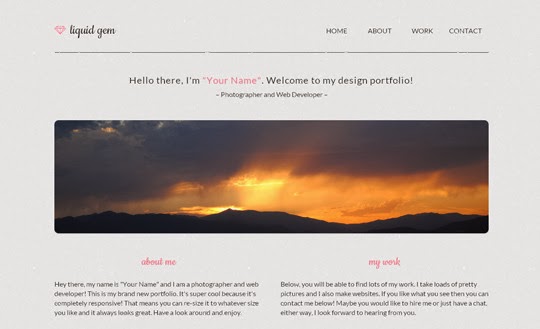
Starting from a template can save you days of work — if the template is solid. This collection rounds up 15 free HTML5 website templates, each with a preview. Fair warning: this is a 2014-era collection, so treat it as inspiration and a starting point rather than cutting-edge code. Before you build anything on a free template, run through the checklist below — it's the difference between a
See Also:
Top WordPress Admin Dashboard Templates
Free Flash Templates With Source
15+ Free And Premium Joomla Templates
Checklist: is this template worth using?
- Responsive first. Open the demo on your phone. If it doesn't adapt cleanly to small screens, walk away — mobile traffic won't wait for a retrofit.
- Clean, valid markup. View the source or run it through a validator. Sensible, semantic HTML is much easier to customize than div soup.
- Check the bundle. Older free templates sometimes ship with outdated JavaScript libraries. If it bundles an ancient jQuery, plan to update it before launch.
- Read the license. Many free templates require attribution, forbid resale, or limit commercial use. The license file is usually one page — read it.
After you download
Test the template in at least two browsers and one phone before you invest real content in it. Replace every scrap of placeholder text and imagery — 'lorem ipsum' has a way of surviving into production. And keep a backup of the untouched original, so you can always diff against it when something breaks.
Frequently Asked Questions
Can I use a free HTML5 template for a commercial project?
It depends on the license of each individual template. Many free templates allow commercial use, while some require attribution or forbid resale. Always check the license file or download page before building a client site on one, since "free" does not automatically mean "unrestricted."
How do I customize a free HTML5 template?
Keep an untouched backup copy first, then edit the HTML, CSS, and image files directly — a code editor and basic knowledge of HTML and CSS is enough. Replace the placeholder text and images with your own content, adjust colors in the stylesheet, and test the result in several browsers and screen sizes.
Is a 2014-era HTML5 template still usable today?
As a starting point for learning, yes, but the code will be outdated. Modern browsers, mobile-first expectations, and current best practices have moved on considerably. Treat this collection as inspiration and a structural starting point, then bring the markup and styles up to current standards before publishing anything.
Are free website templates safe to download?
Mostly, but they carry some risk. Outdated code, broken links, and — from untrustworthy sources — occasionally injected scripts are the common problems. Download from reputable sites, check reviews or comments about the template author, and scan the files before putting them on a live site.










1 Comments
With the passage of time the demand of HTML sites or responsive websites is increasing rapidly because of their smart phone friendly versions. These kinds of website are necessary because almost half of the total searches of searches engines are from smart phones, tabs and other devices. In this scenario your shared templates are really helpful for those who are searching for this kind of stuff.
ReplyDelete