

So in this article you will find some advance level and some of them are beginner level CSS3 Text Effect Tutorials. You will learn a lot using from them. You can use these techniques to inspire or be creative from your competitors.
Please let us know if any of these will helps you or like any one through comments.
Text Effects Using CSS3
Shop Talk logo made in CSS

Animated signing of signature

Elastic stroke CSS
COSMOS

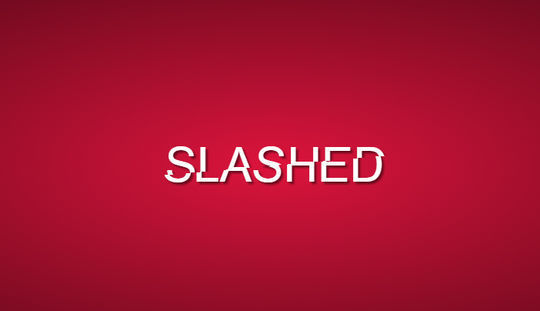
Slashed CSS Effect
Magnetype

Animated SVG gradient for a fading text effect

Stunning hover effects with scss

3D CSS Typography

Text animation

Motion

Frequently Asked Questions
How do I create a simple CSS text effect as a beginner?
Start with the text-shadow property — a single line like text-shadow: 2px 2px 4px gray gives any heading instant depth. Once you are comfortable, try layering multiple shadows for a 3D look, or use background-clip with a gradient for colorful gradient text.
Do CSS3 text effects work in all browsers?
Core effects like text-shadow and gradients work in all modern browsers. Fancier tricks using background-clip: text or text-stroke may need vendor prefixes or fallbacks for older browsers, so always check that your text stays readable even if the effect does not render.
Should I use CSS or images for fancy headings?
Use CSS whenever possible. CSS text stays sharp on every screen, loads faster than images, remains selectable and readable by search engines, and is trivial to update — changing one line beats re-exporting a graphic every time the wording changes.
Will text animations slow down my website?
Subtle animations on a few headings are fine, but animating many elements or using heavy effects everywhere can hurt performance, especially on phones. Stick to animating transform and opacity where you can, and keep decorative animation tasteful and limited.



0 Comments