

Adobe Photoshop is great tool for editing, manipulating photos. We can change background of images, remove or add objects from pictures. This is the best tool for designers and photographers. So we have gathered some Beautiful Adobe Photoshop Tutorials for our readers. These tutorials are also for advance level and beginner level. Each collection has its own full collection of tutorials, so simple click on any tutorial image and check out the full collection.
Latest Adobe Photoshop Tutorials 2016 - 2017
Best Adobe Photoshop Tutorials - August 2017

Best Adobe Photoshop Tutorials - July 2017

New 2D and 3D Text Effect Tutorials 2017

Awesome Adobe Photoshop Tutorials

Awesome Adobe Photoshop CS6 Tutorials
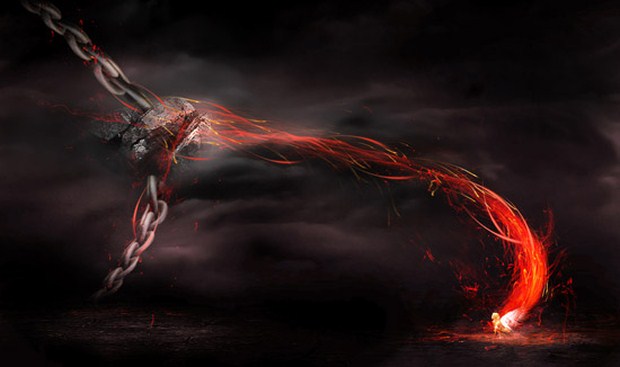
Adobe Photoshop Tutorial - Create 3D Movie Photo Effect in 2 Minutes

40 Awesome Adobe Photoshop Tutorials 2013
Best Adobe Photoshop Tutorials 2014

Adobe Photoshop Tutorials May 2014

Beautiful Photo Effects Tutorials
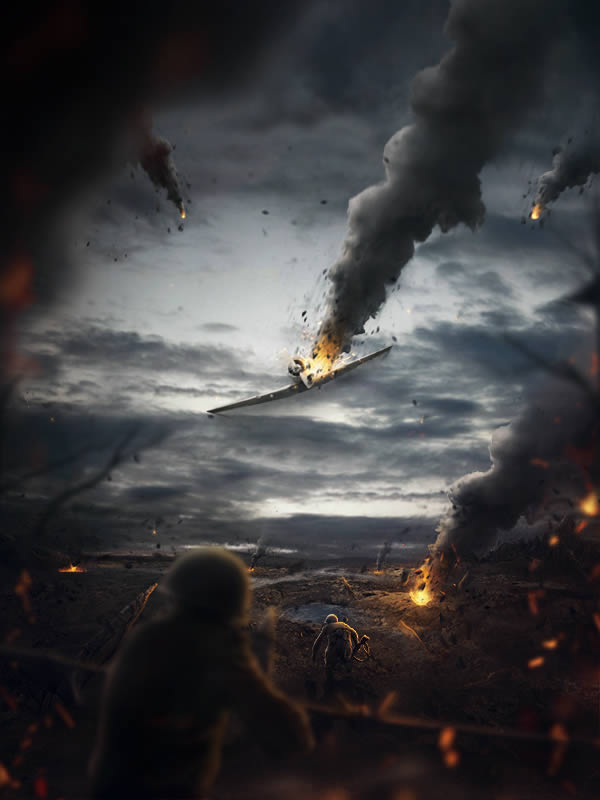
Latest Photoshop Text Effects Tutorials

20+ Adobe Photoshop Tutorials June 2013

50+ Adobe Photoshop CS6 Tutorials 2014

Tags: Text Effect Photoshop Tutorials, Photo Effect Photoshop Tutorials, New Photoshop Tutorials, Best Photoshop Tutorials, Latest Photoshop Tutorials, Beautiful Photoshop Tutorials, Amazing Photoshop Tutorials, Photoshop Photo Manipulate Tutorials.
Frequently Asked Questions
Where should a beginner start learning Photoshop?
Start with the interface and the Layers panel — layers are the foundation of everything in Photoshop. Then learn selections, masks, and adjustment layers before moving to retouching or effects. Following one structured beginner course end-to-end beats jumping between random tutorials.
How long does it take to learn Photoshop?
You can learn the basics — cropping, layers, simple retouching — within a few weeks of regular practice. Real fluency with advanced compositing, masking, and color work takes months, but you can do useful client-quality work long before you master everything.
Should I learn Photoshop or Illustrator first?
Learn Photoshop first if you want to edit photos, create social media graphics, or do digital painting. Learn Illustrator first if you want to design logos, icons, or illustrations that scale. Most working designers eventually learn both, since they complement each other.
Are these older Photoshop tutorials still useful?
Largely yes. Core tools like layers, masks, brushes, and the pen tool have worked the same way for years, so the techniques transfer directly. Only the newest AI features and interface layouts will differ, and the concepts behind the tutorials remain valid.



0 Comments