
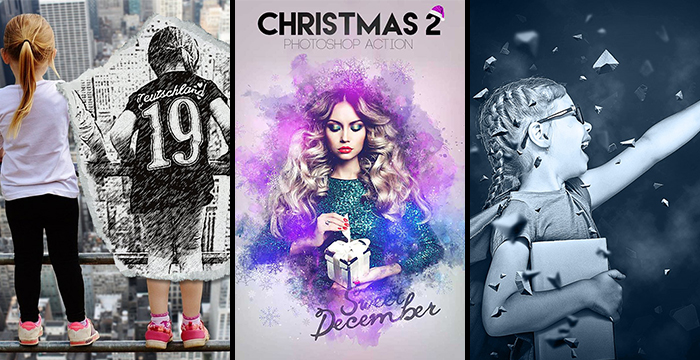
Best Adobe Photoshop Tutorials - October 2017
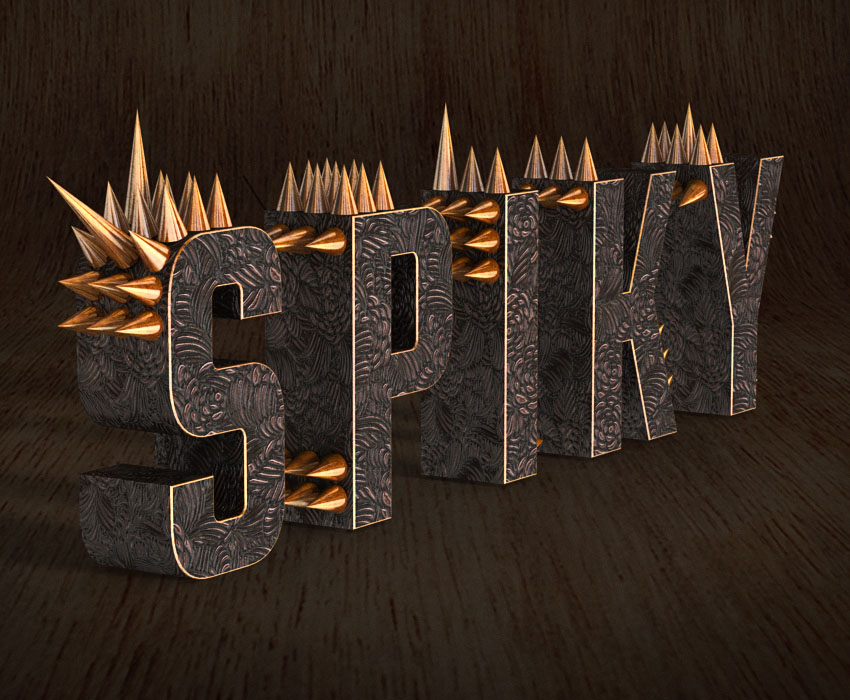
How to Create a Metallic 3D Spiky Text Effect in Adobe Photoshop
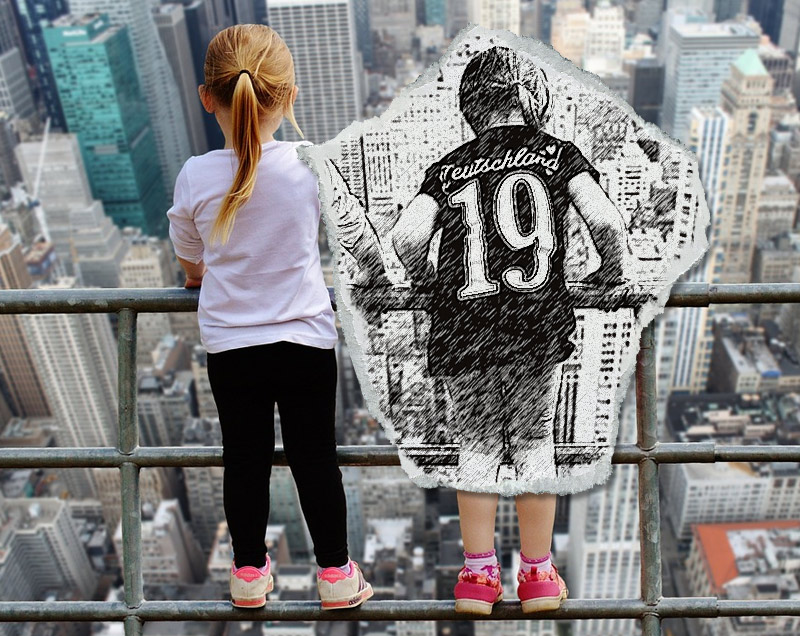
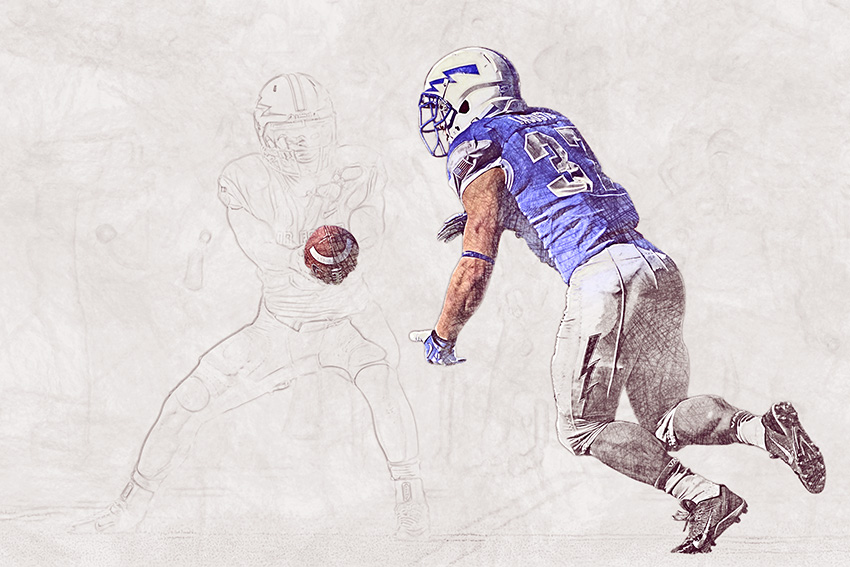
How to Create a Sketch vs. Camera Effect in Adobe Photoshop
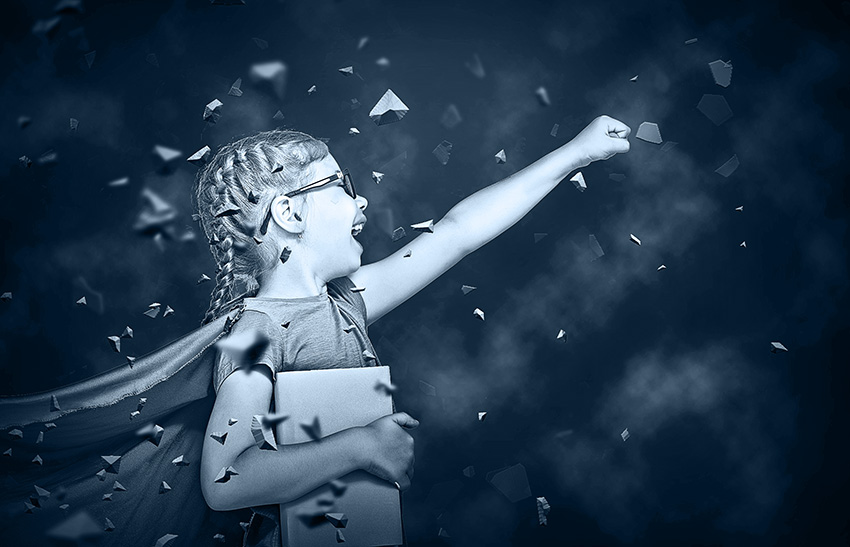
How to Create a Rock Blast Effect Action in Adobe Photoshop
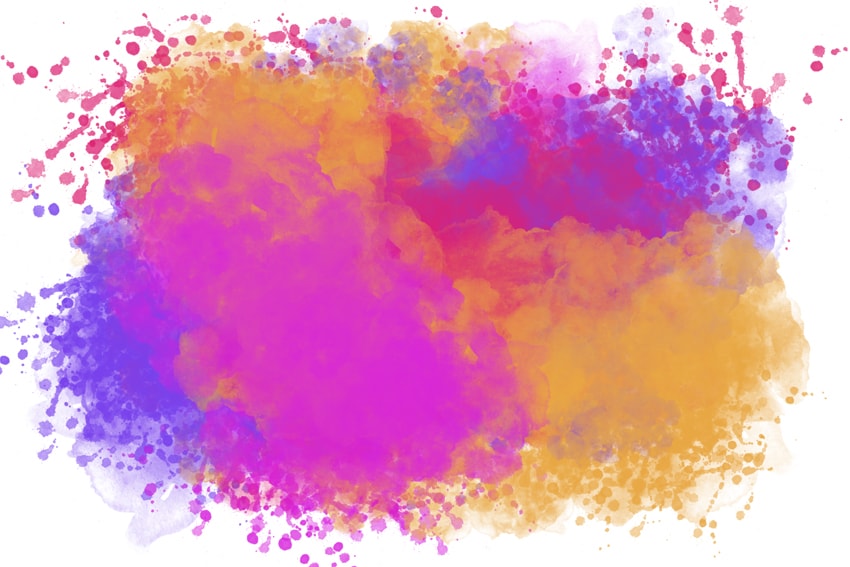
How to Create a Realistic Watercolor Photoshop Brushes From Scratch
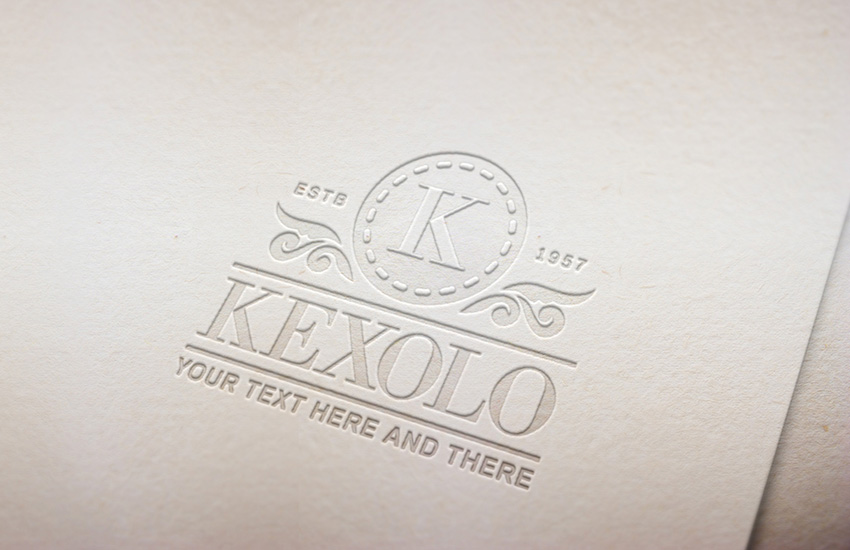
How to Create a Pressed Paper Logo Mockup in Adobe Photoshop
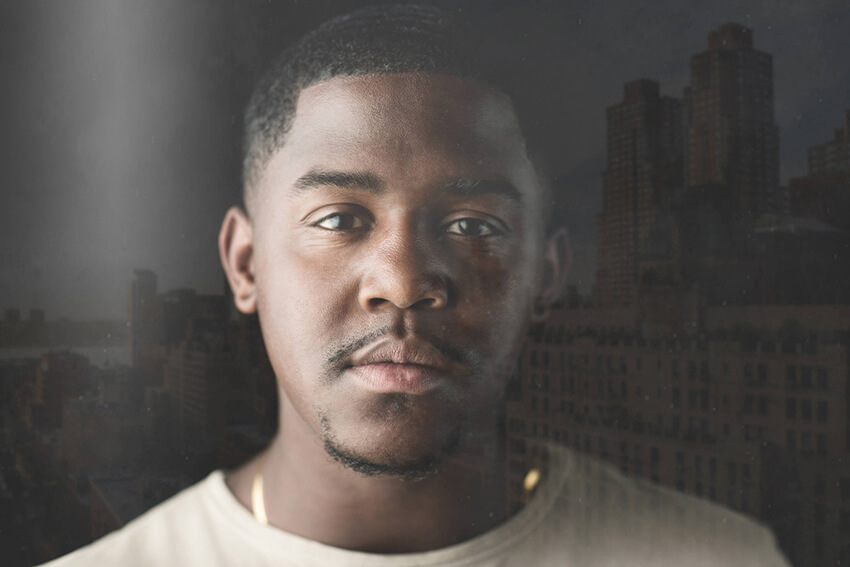
How to Create a Fake Glass Window Action in Adobe Photoshop
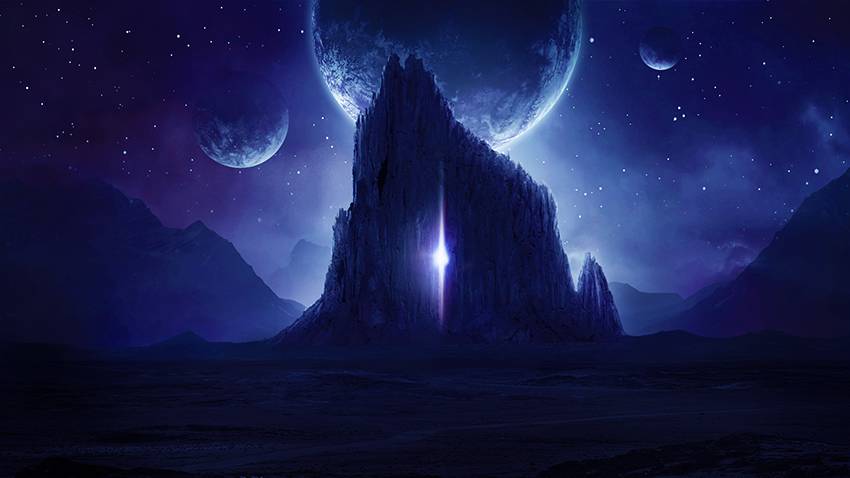
How to Create a Dark, Sci-Fi Landscape Photo Manipulation With Adobe Photoshop
How to Create a Colored Pencil Sketch Effect Action in Adobe Photoshop
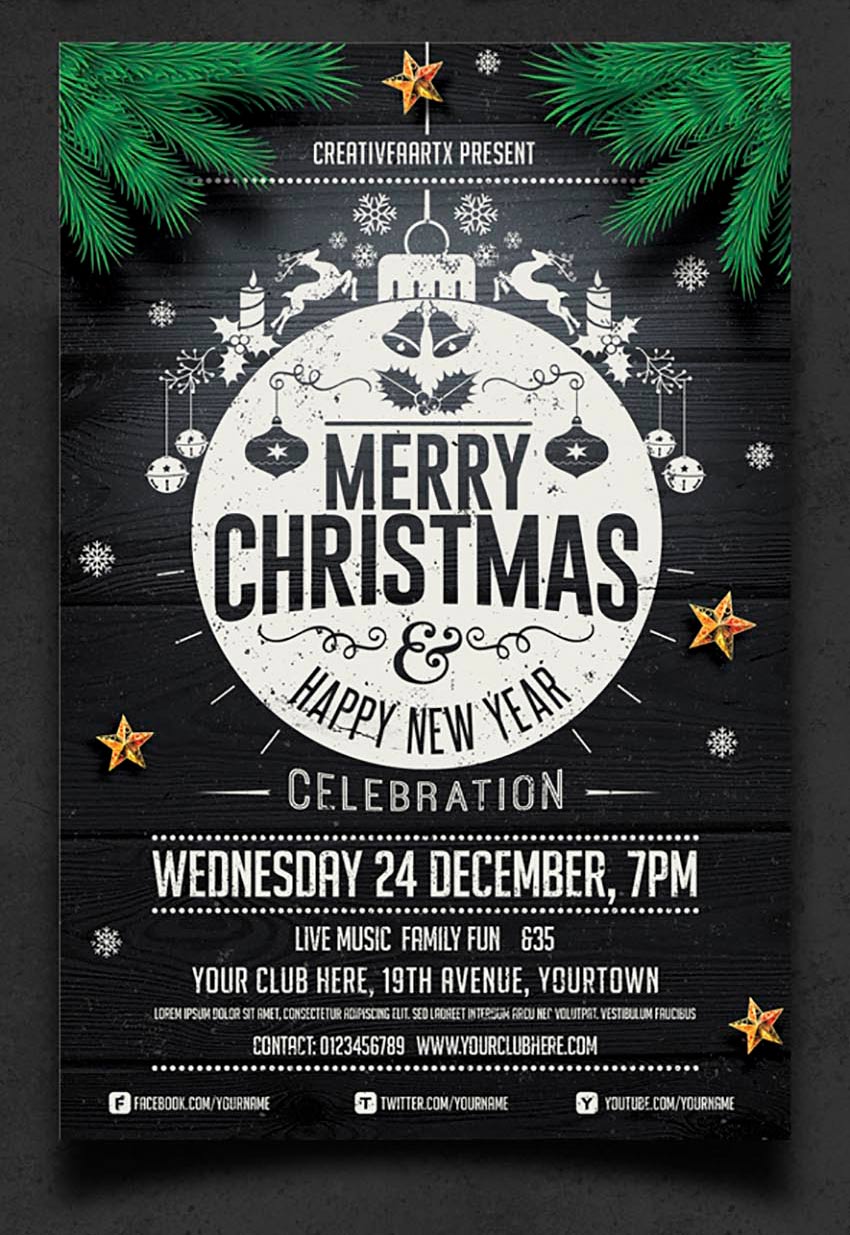
60 Amazing Christmas and New Year's Eve Flyers for the Holiday Season
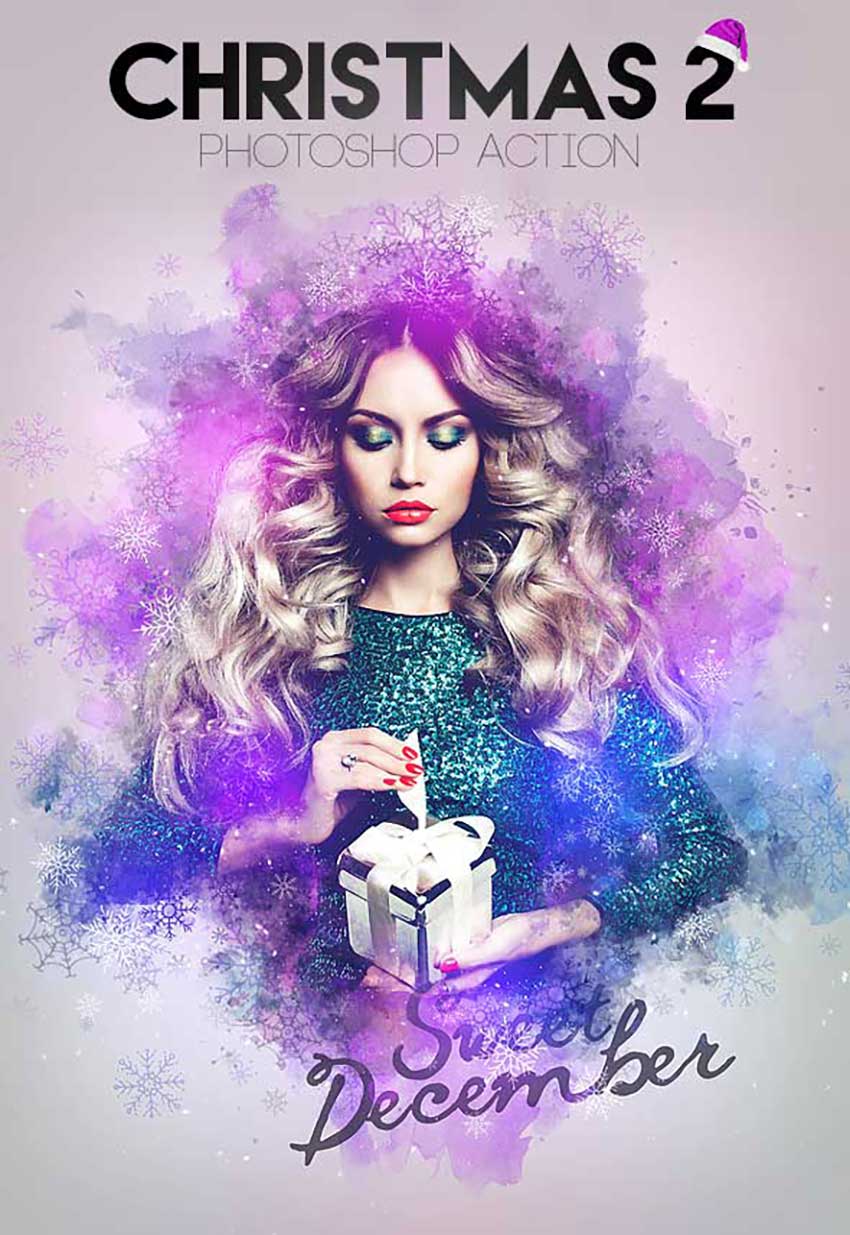
58 Awesome Festive Photoshop Christmas Add-Ons
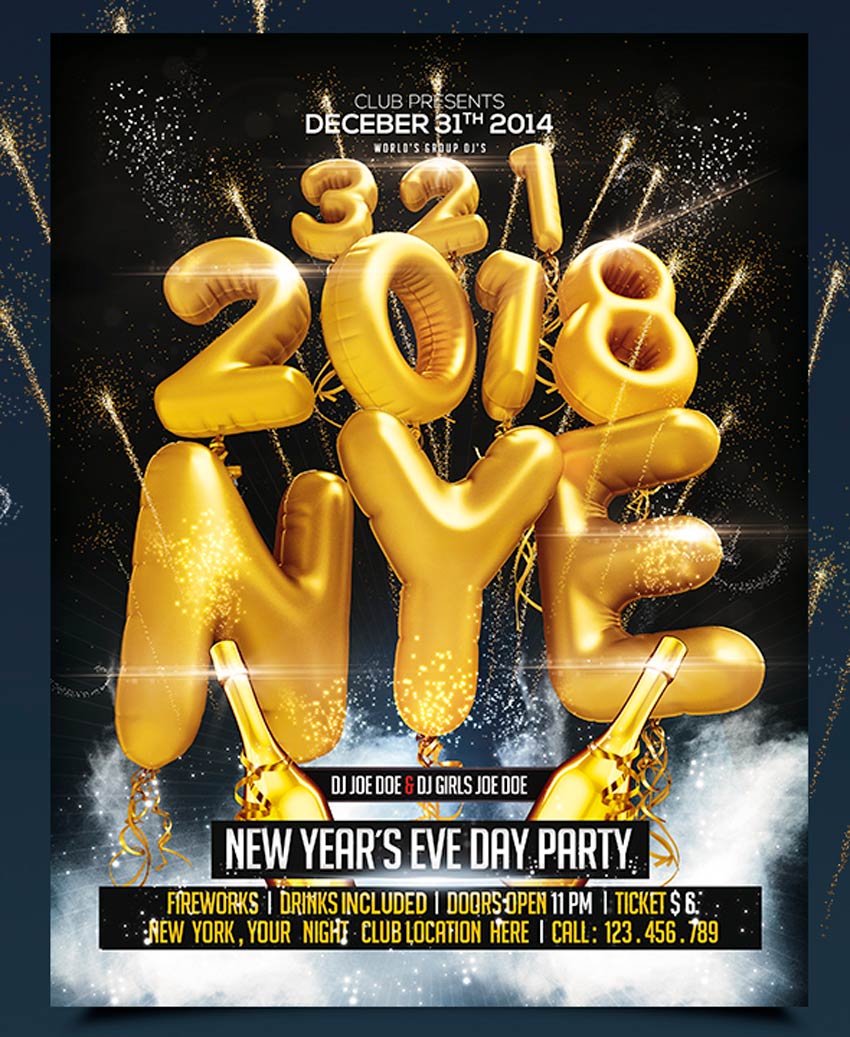
30 Best New Year's Eve Flyers and Invitations
Also Check:
Best Adobe Photoshop Tutorials - September 2017
Best Adobe Photoshop Tutorials - August 2017
Best Adobe Photoshop Tutorials - July 2017
New 2D and 3D Text Effect Tutorials 2017
Beautiful Adobe Photoshop Tutorials
Adobe Photoshop Tutorial - Create 3D Movie Photo Effect in 2 Minutes
Adobe Photoshop Tutorials May 2014
50+ Adobe Photoshop CS6 Tutorials 2014
Best Adobe Photoshop Tutorials 2014
20+ Adobe Photoshop Tutorials June 2013
Latest Photoshop Text Effects Tutorials
Awesome Adobe Photoshop CS6 Tutorials
40 Awesome Adobe Photoshop Tutorials 2013
Beautiful Photo Effects Tutorials
Awesome Adobe Photoshop Tutorials
Frequently Asked Questions
How long does it take to learn Photoshop?
Most beginners pick up the basics, such as layers, selections, and simple adjustments, within a few months of regular practice. Reaching an advanced level with compositing, retouching, and actions takes longer, often six months to a year. Your pace depends on how often you practice and whether you follow structured tutorials.
Can I teach myself Photoshop for free?
Yes. Adobe’s help pages, free YouTube courses, and written step-by-step guides cover everything from installation to advanced editing. Joining a design community where you can ask questions and get feedback also speeds things up. The key is hands-on practice: follow along with tutorials instead of just watching them.
What should a Photoshop beginner learn first?
Start with layers, since nearly everything in Photoshop is built on them, then learn selection tools and basic adjustments like brightness, contrast, and color balance. Masks are the next big step because they let you edit non-destructively. Once those click, tools like the Pen tool and Clone Stamp become much easier.
What is the difference between Photoshop and Illustrator?
Photoshop edits raster images made of pixels, which makes it ideal for photo editing and digital painting, but images lose quality when scaled up too far. Illustrator creates vector graphics from mathematical paths, so logos and icons stay sharp at any size. They are companion tools, not replacements for each other.



0 Comments