
- Freebies: Download Free After Effects Templates for Intro/Web Design
- Freebies: Latest Free HTML5 CSS3 UI kits
- Freebies: latest best free bootstrap 4 website templates
- Free iPhone 8, iPhone 8 Plus and iPhone X PSD Mock-up Templates
- Best Premium and Free Blogger Templates 2017
- Free Restaurant Menu Templates in AI and PSD Format
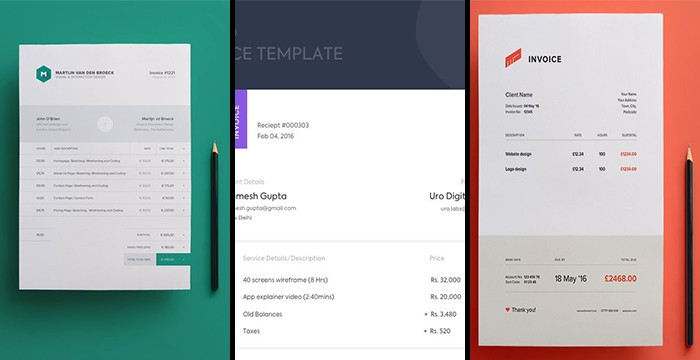
Freebies: Creative Free Invoice Templates
Elegant Invoice for Sketch

Free PSD Invoice Template

Invoice Free Template

Diamond Yellow Invoice

Free Branding Identity

Invoice Free Template

Modern Invoice Template

Invoice Template Free Sketch

Invoice Template

Invoice Free Sketch Source

Frequently Asked Questions
What should a professional invoice include?
A professional invoice should show your business name, address, and contact details, the client's details, a unique invoice number, the invoice date and due date, a clear list of items or services with quantities and prices, any tax, the total amount due, and your payment terms.
Are free invoice templates good enough for a real business?
Yes, for most freelancers and small businesses. A clean, complete template looks professional and gives the client everything they need to pay you. As your business grows, you may want invoicing software that tracks payments and sends reminders automatically.
Should I send my invoice as Word, Excel, or PDF?
Excel is handy when you need automatic totals and tax calculations. Word gives you more control over design and branding. Whichever you use to create it, always send the final invoice as a PDF so the layout looks exactly the same on your client's device.
How do I add my logo to an invoice template?
Open the template in Word or Excel, click the logo placeholder (or the top area of the header), and insert your logo image. Resize it to fit neatly — a small, crisp logo looks professional, while a blurry oversized one does the opposite.



0 Comments